
Find a little favorite
A furry friend. A beloved toy. A moment they want to keep.
Make a free outline of their puppy, favorite toy or family photo.
No sign-in. Photos stay on your device. Download a printable PDF or PNG.
Crop your photo first so one subject fills the frame. Simple backgrounds work best.
Basic edge tracing, without AI. Your photo stays on this device. Complex photos may have extra lines.
Add a photo on the left.
Their next little masterpiece starts here.
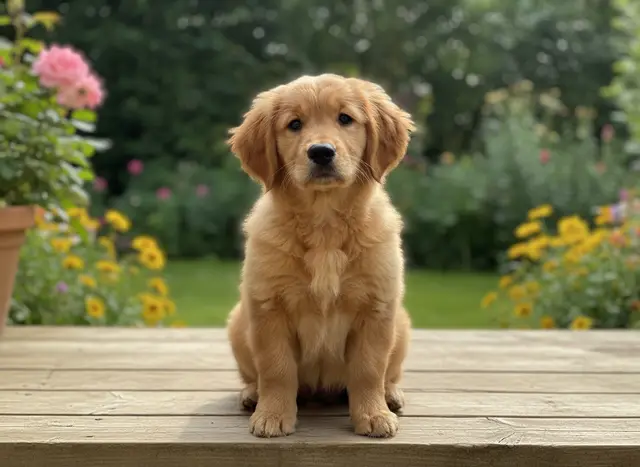
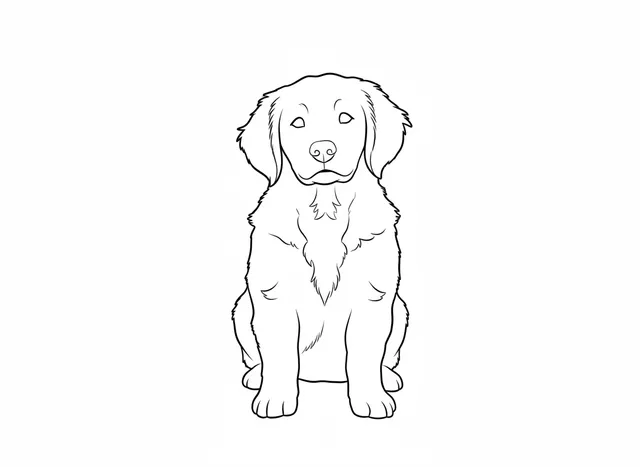
Compare the same photo with a free outline and an AI coloring page, both at Simple detail. These are actual PicCrayon outputs, shown without retouching.
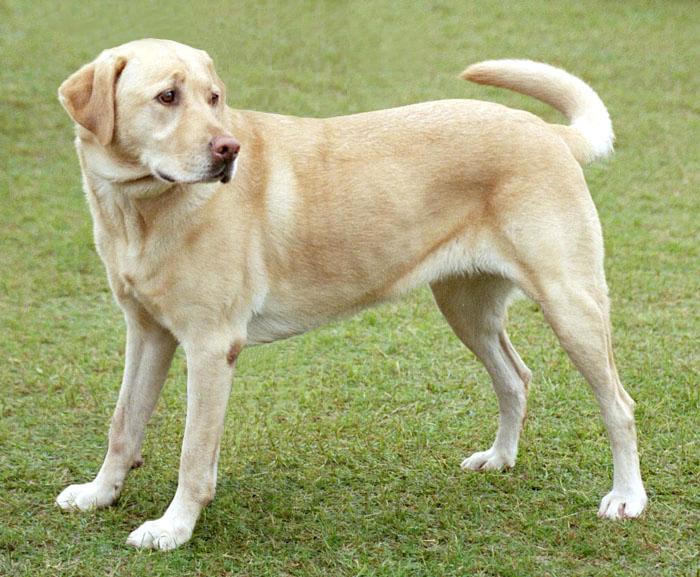
One clear subject, with the whole dog in the frame.
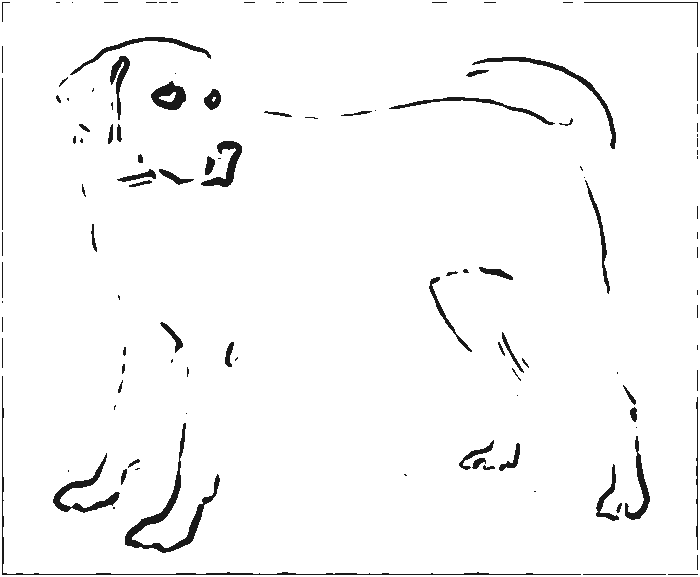
Traces visible edges. Low-contrast areas can leave gaps, as they do here.
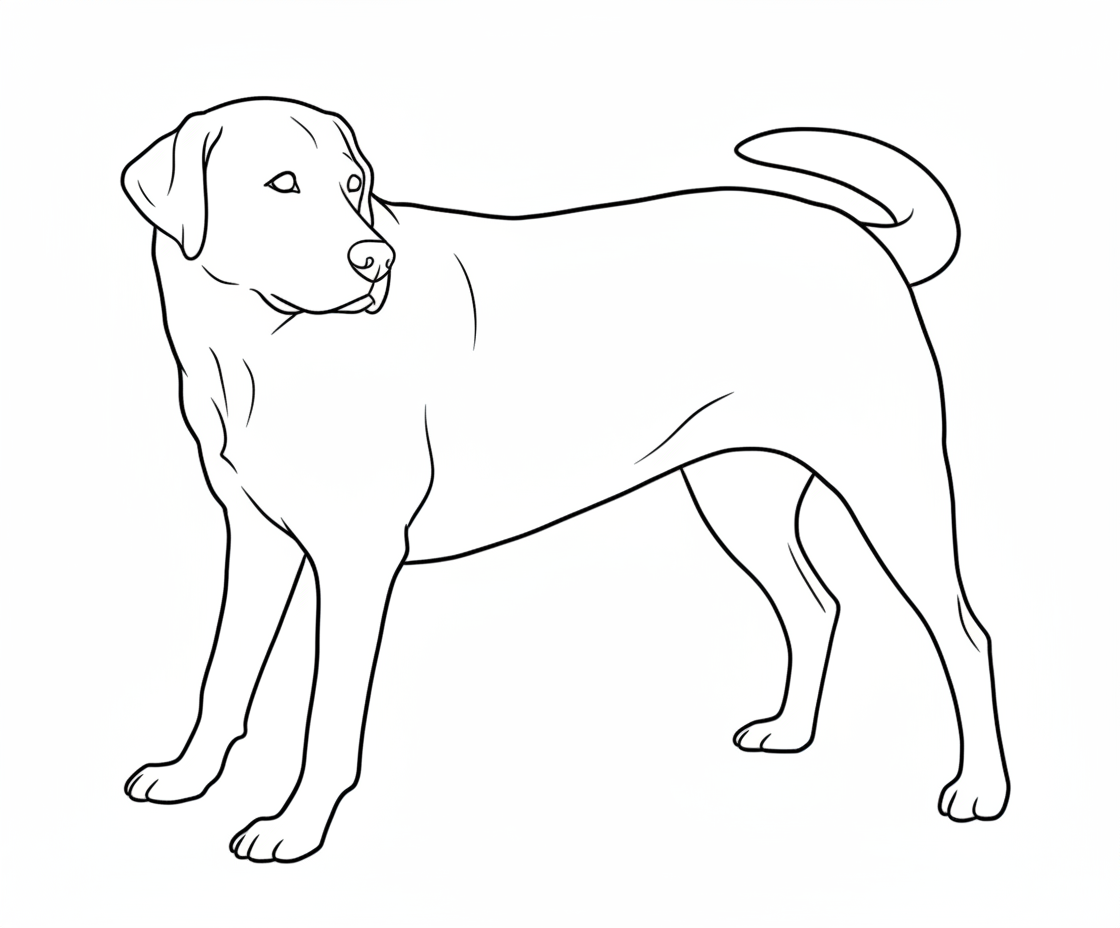
Redraws simpler shapes. In this example, the grass is removed and the outline is more complete.
Choose a sharp, well-lit photo. Crop so one pet, toy or person fills the frame, and keep the background simple. Only use photos you have permission to process.
This is one example, not a promise for every photo. AI can change details; free tracing can miss edges. Preview your result before downloading an A4 or US Letter page.
Photo: Elf; source edits by Djmirko / FT2, via Wikimedia Commons. Photo and PicCrayon’s edge-traced and AI-transformed examples: CC BY-SA 3.0. No endorsement implied.
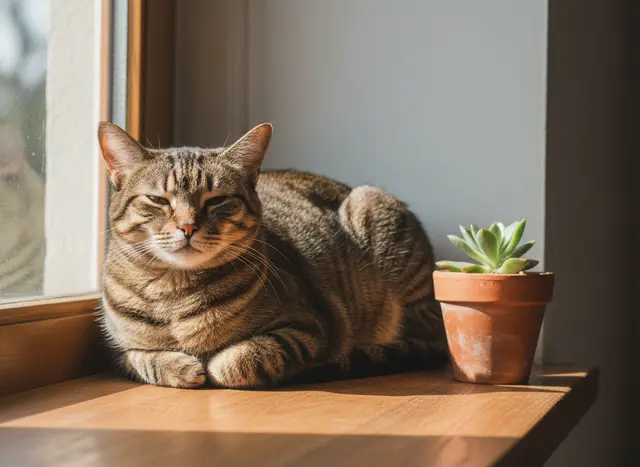
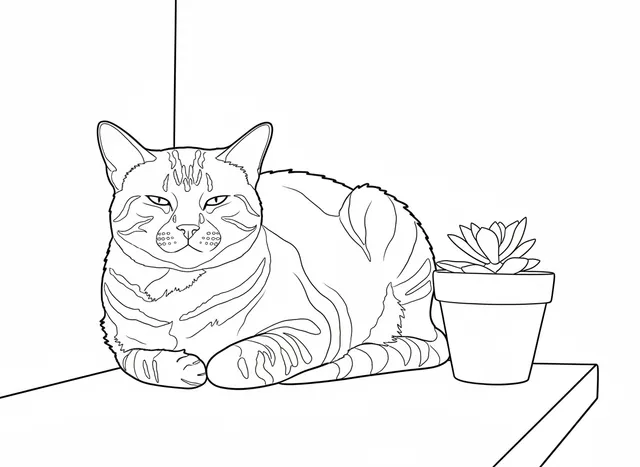
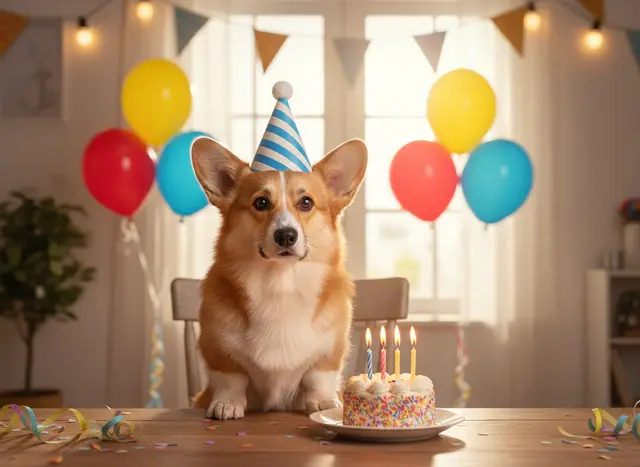
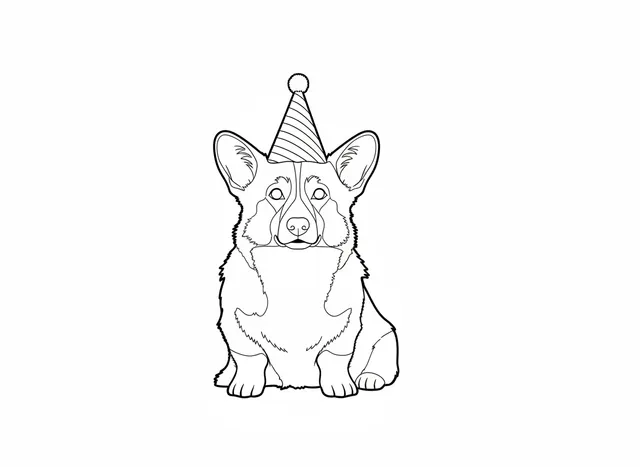
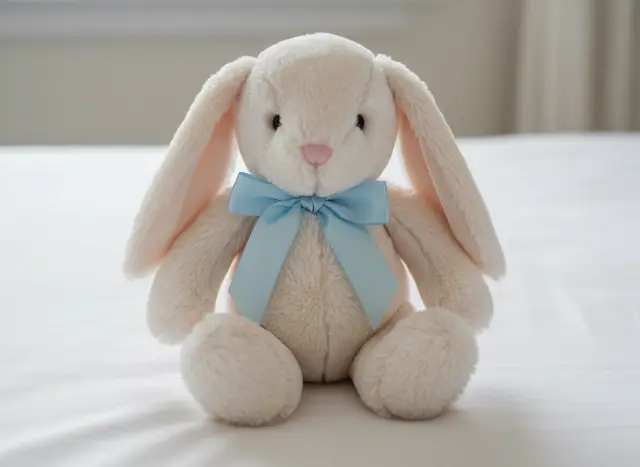
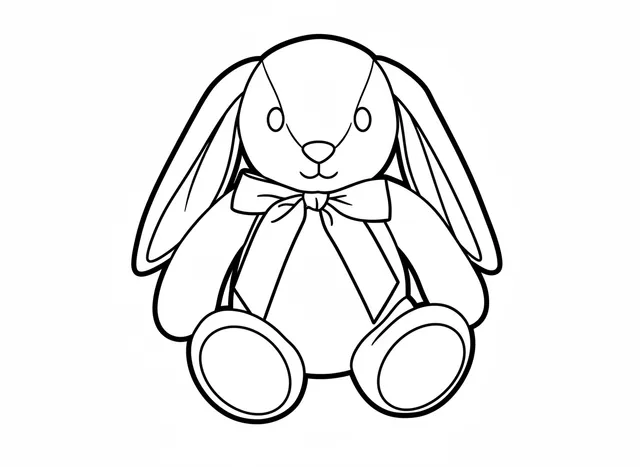
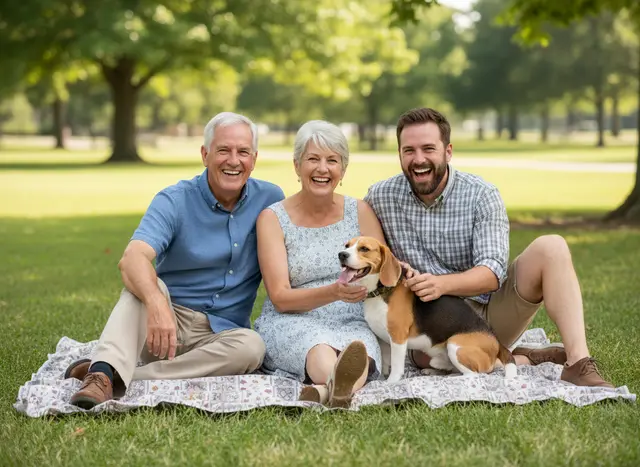
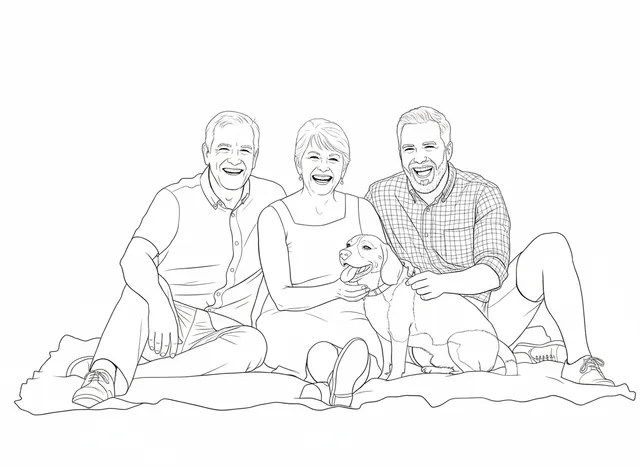
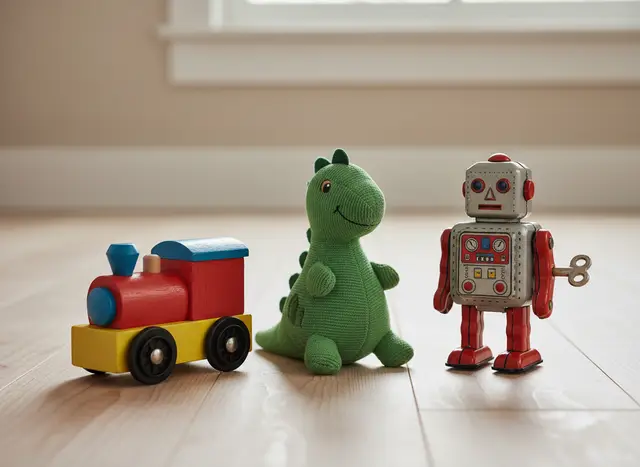
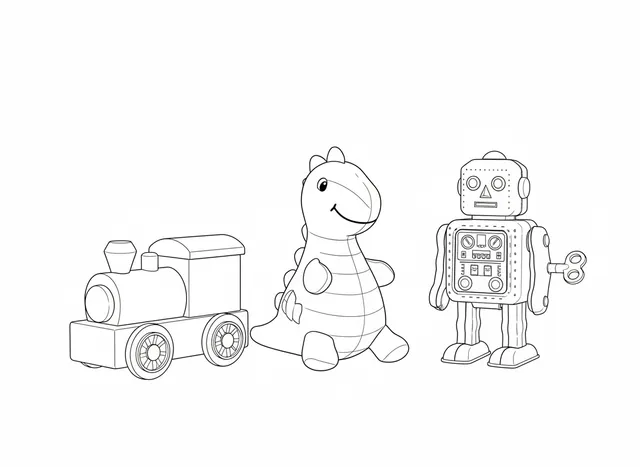
Real PicCrayon AI pages made from AI-generated sample photos. Open the examples page to compare each one with the free outline.
See all 9 examples →A furry friend. A beloved toy. A moment they want to keep.
Choose simpler shapes or a little more detail. Preview before printing.
Download your page, print at home, and let their imagination take over.
No subscription. Start with a free local outline,
then use AI for a softer, simpler finish.
Free outline traces edges directly in your browser. AI interprets and redraws the subject into simpler coloring shapes. AI can change details, so always review the result.
Choose a sharp photo with one clear subject filling most of the frame. Crop out extra background before uploading, especially for small toys. If the subject is tiny, AI may redraw the whole scene instead. Fine text and facial details can change; check the result before printing.
No. Free outlines stay on your device. AI photos go to Replicate for processing; we do not store your original upload. Completed AI pages are private to your account and can be deleted.
Yes. Choose A4 or US Letter, add an optional title, and download a PDF or PNG. The page fits inside generous margins without cropping your picture.
Yes. Enter a short name or message in the optional title field before downloading. It prints above the picture on your A4 or US Letter page; it does not edit words inside the photo. Print one test page before making copies.
No. You can make a free outline on your device and download a PDF or PNG without signing in. AI redraws are a separate option that uses credits and sends a resized photo for processing. Compare the examples before choosing; AI can remove or change details.
PicCrayon is designed for parents and caregivers to prepare activities. An adult should upload photos, review results and handle the account.
See a coloring page with a printed name · Compare free outlines and AI results