Pet portrait
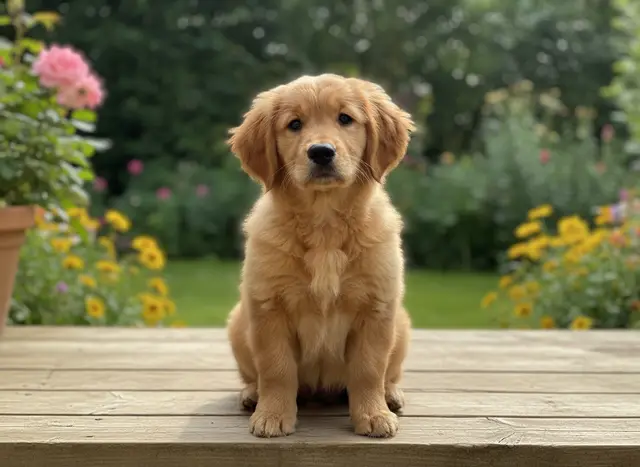
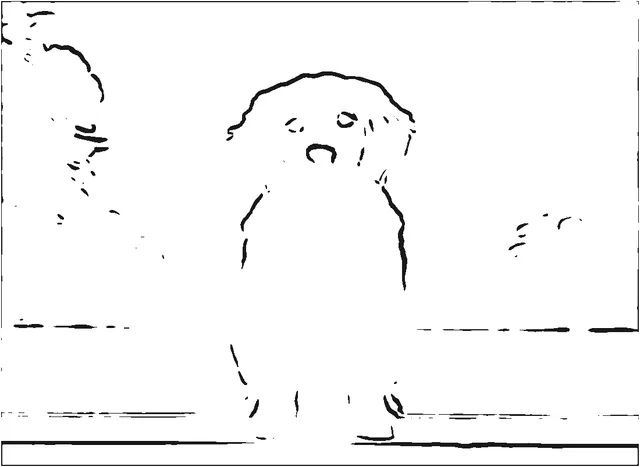
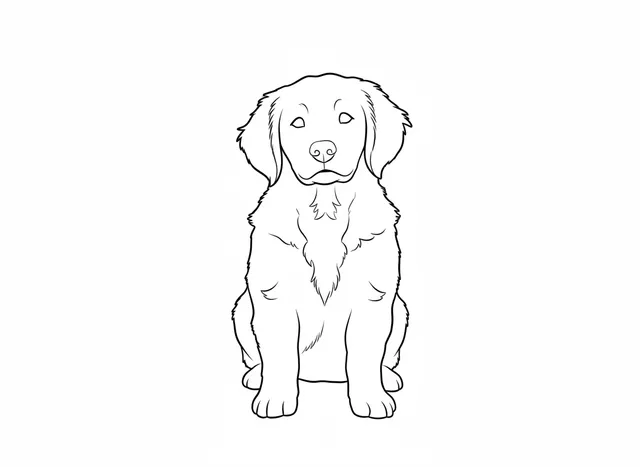
The garden background leaves stray marks in the free outline. AI drops the background and closes the outline.
EXAMPLES
Each example shows one sample photo, the free outline made on your device, and the AI coloring page. Tags show the detail level and paper size used. Outputs are shown without retouching, including what the AI left out.
The sample photos are AI-generated, so no real people, pets or photos are shown. Results depend on your photo; preview yours before printing.
Try your own photo →Turn an outline into a printable A4 or Letter page →
The garden background leaves stray marks in the free outline. AI drops the background and closes the outline.
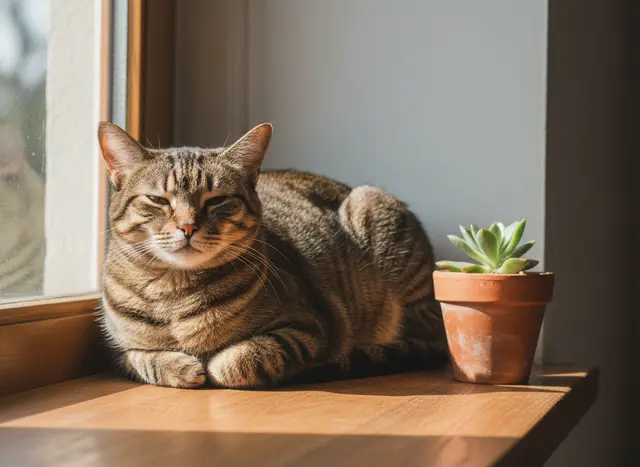
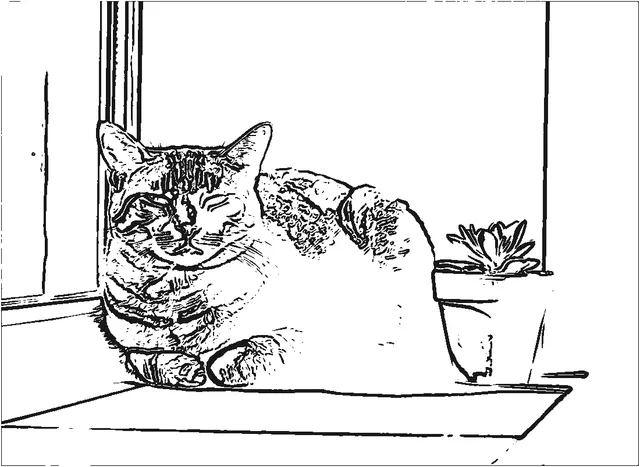
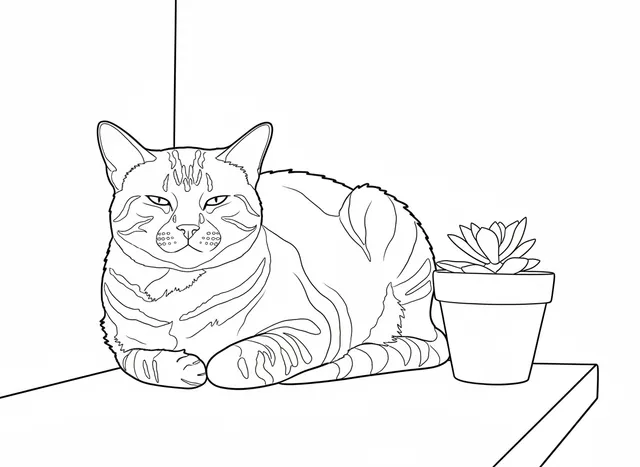
Stripes turn into scattered marks when traced. AI keeps them as larger shapes to color in.
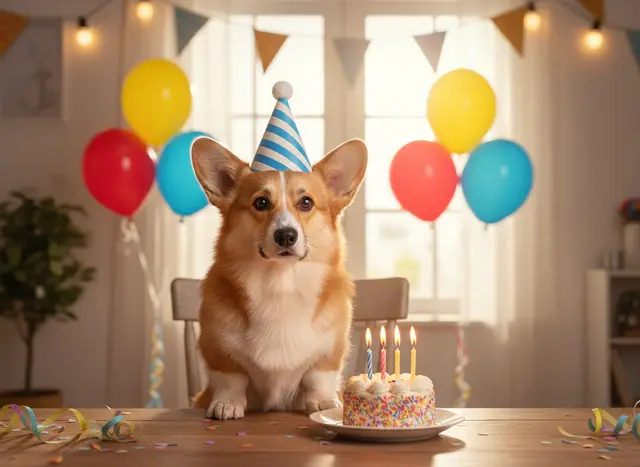
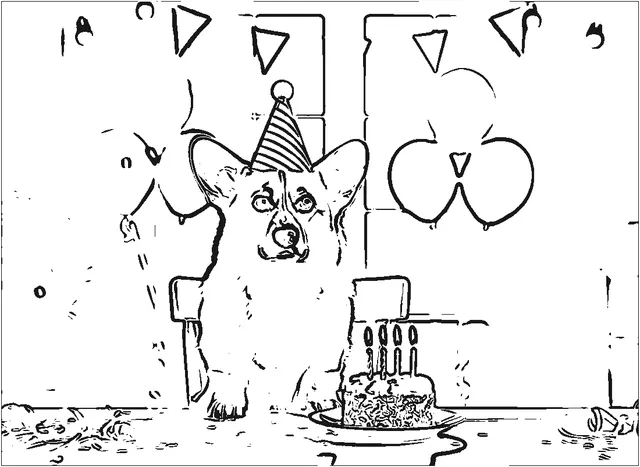
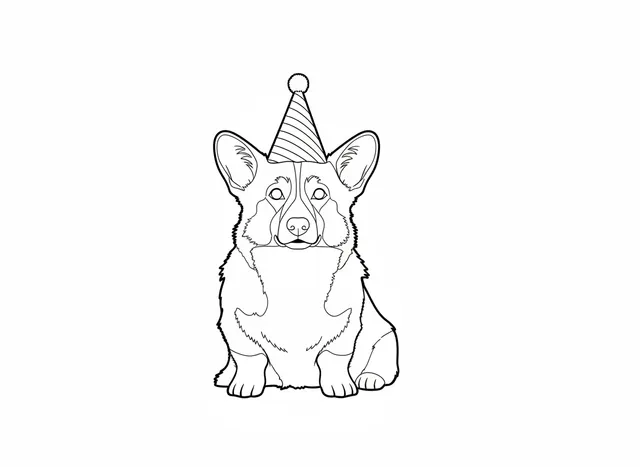
AI kept the dog and party hat but removed the cake and balloons. The title is added when you export.
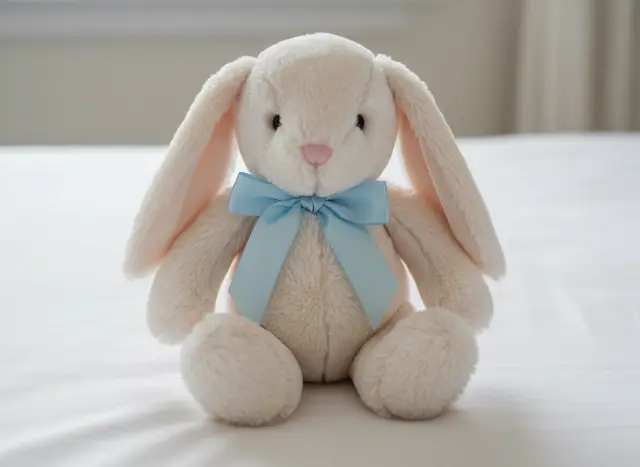
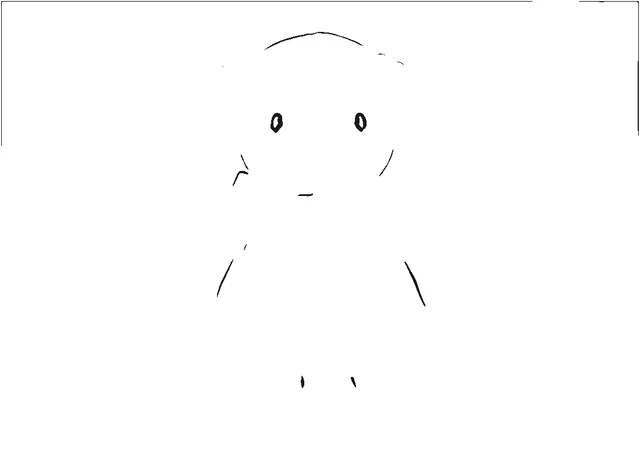
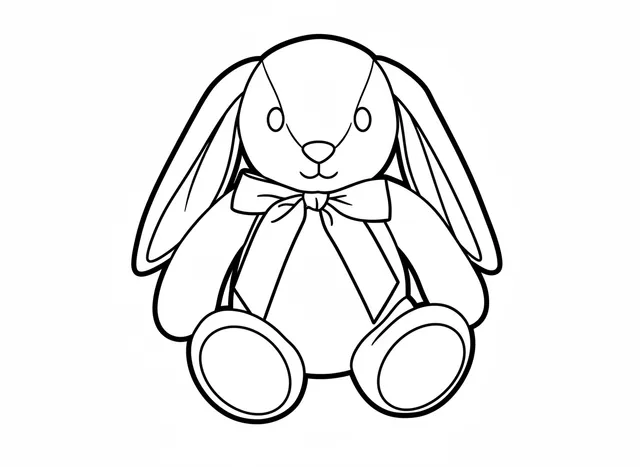
A pale toy on a white sheet barely shows up in the free outline. A short title prints above the drawing.
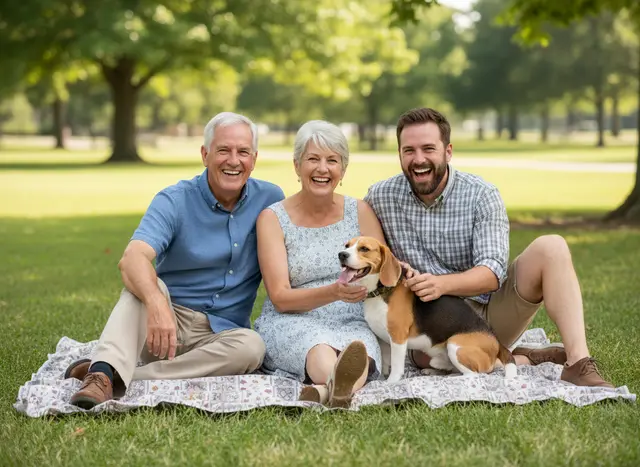
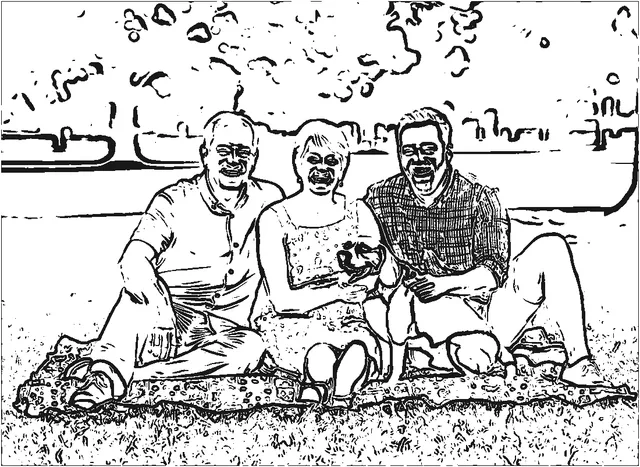
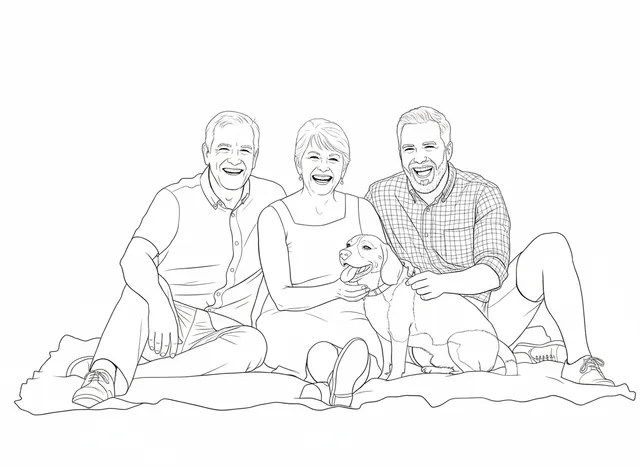
Grass and trees fill the free outline. AI keeps the people and dog; the plaid shirt becomes small squares.
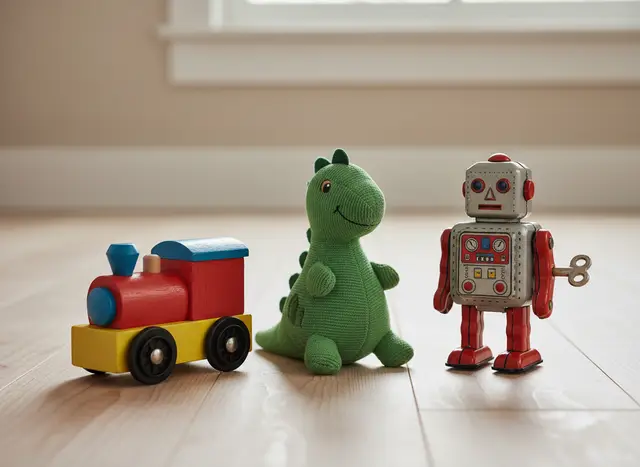
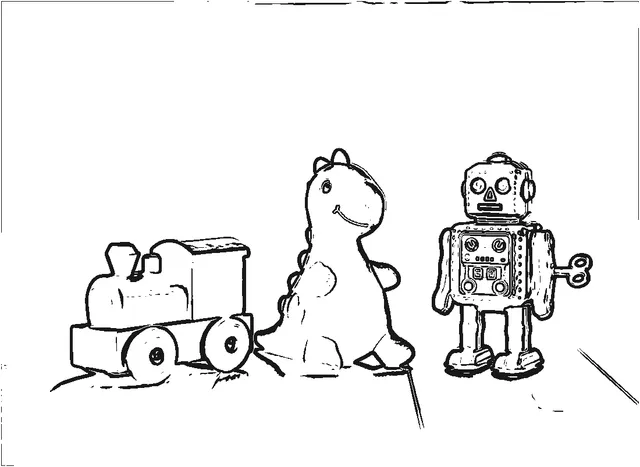
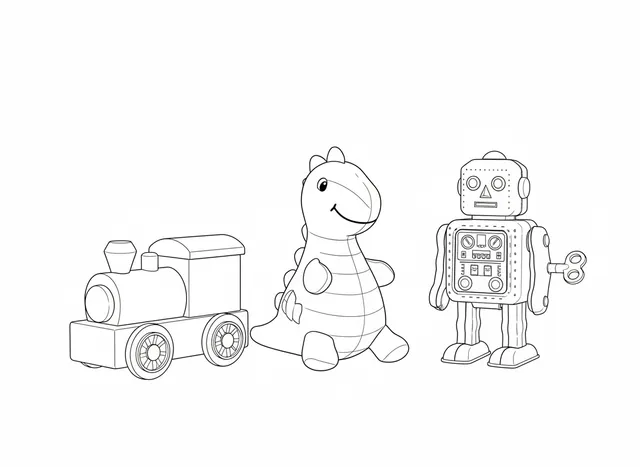
Simple toys on a plain floor trace well for free. AI adds small pattern shapes to the dinosaur.
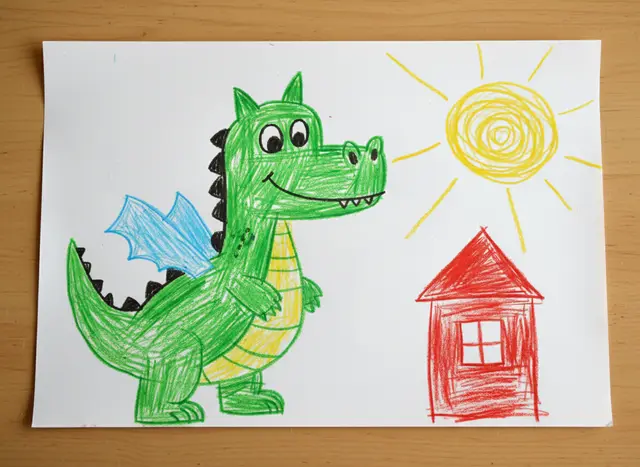
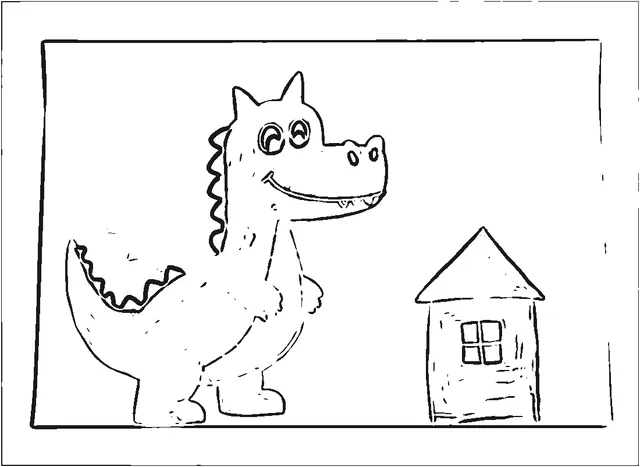
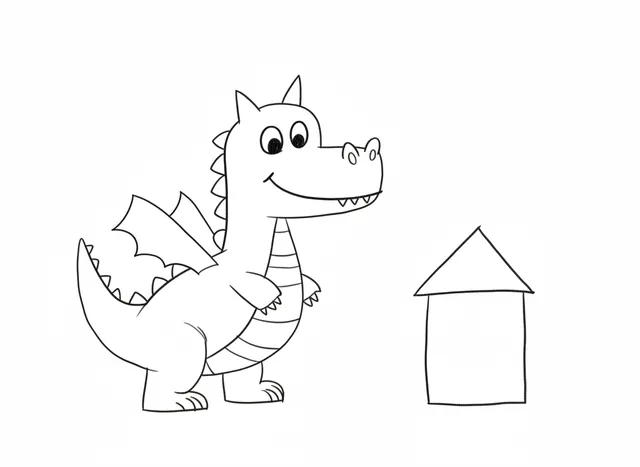
The free outline keeps the paper edge. AI cleans the lines but left out the sun and the window.
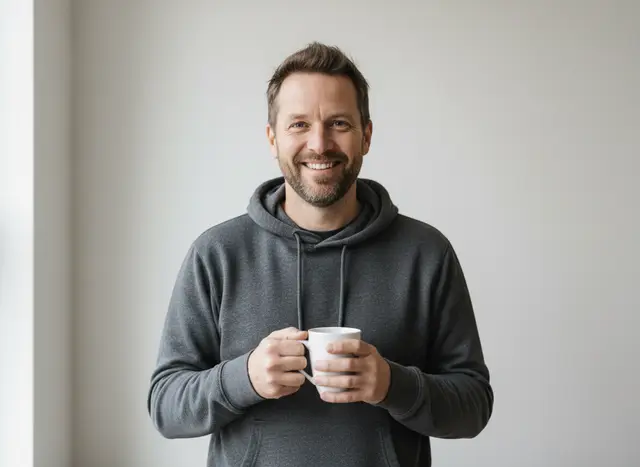
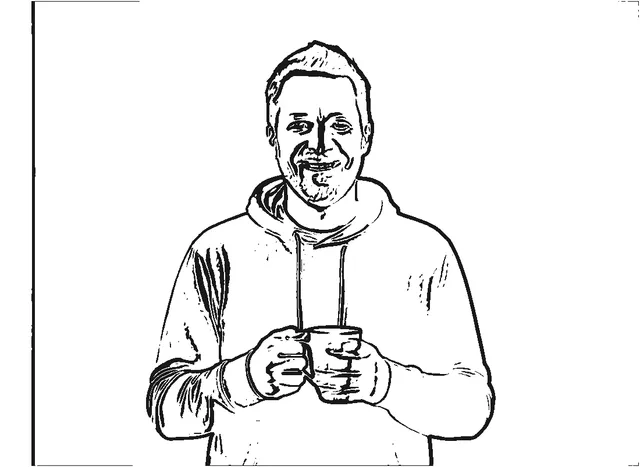
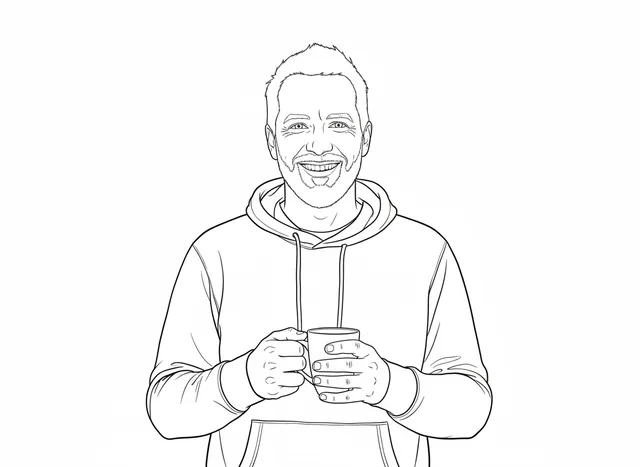
Faces collect dark marks in the free outline. AI redraws the face, so check that it still looks like you.
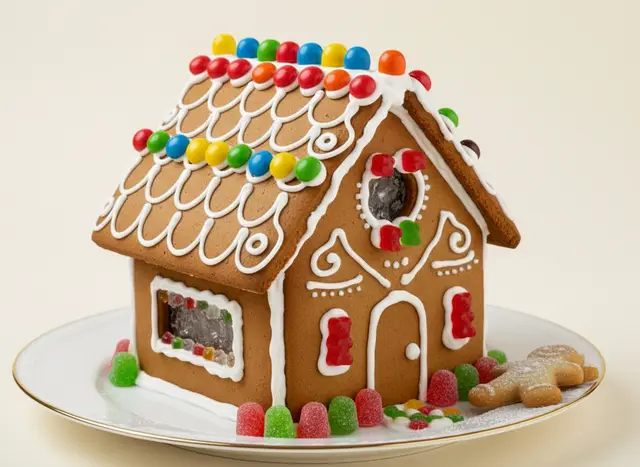
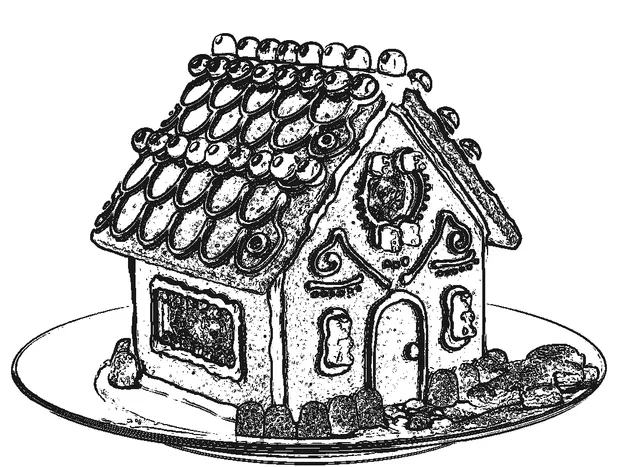
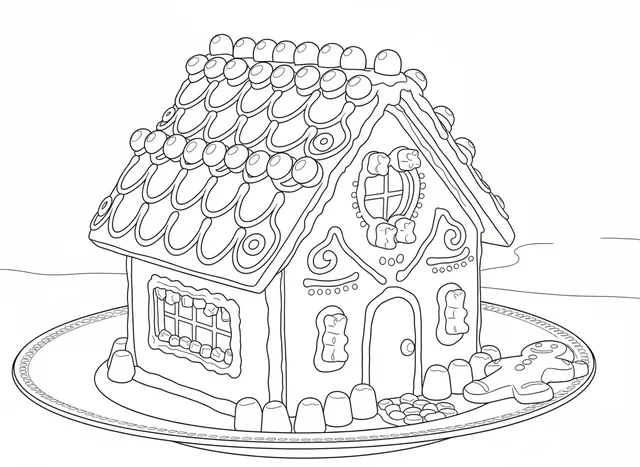
Detailed keeps every candy as its own shape: better for older kids and adults.
Free outlines use PicCrayon’s edge tracing at the listed detail level. AI pages use PicCrayon’s AI mode (Google Nano Banana via Replicate), with the same safety checks as your own pages. Printable pages use the A4 or US Letter layout from the export step, with the optional title above the drawing.
Make your coloring page →